Hi Marjolein,
The PageBuilder doesn’t have option to change tab background color and hover color. Please send me the link and color hexa code i will give you suggest css to do it
Best regards
Harry
Premium Wordpress themes and plugins, Best WooCommerce theme https://themeforest.net/user/janstudio/portfolio?ref=janstudio
Hi Harry,
The code that you gave me, makes the changes between the width of 1024px till 1190px.
If you consider the below images is taken at the width less than 1024px which doesn’t need any RTL fix :
Width : 950px
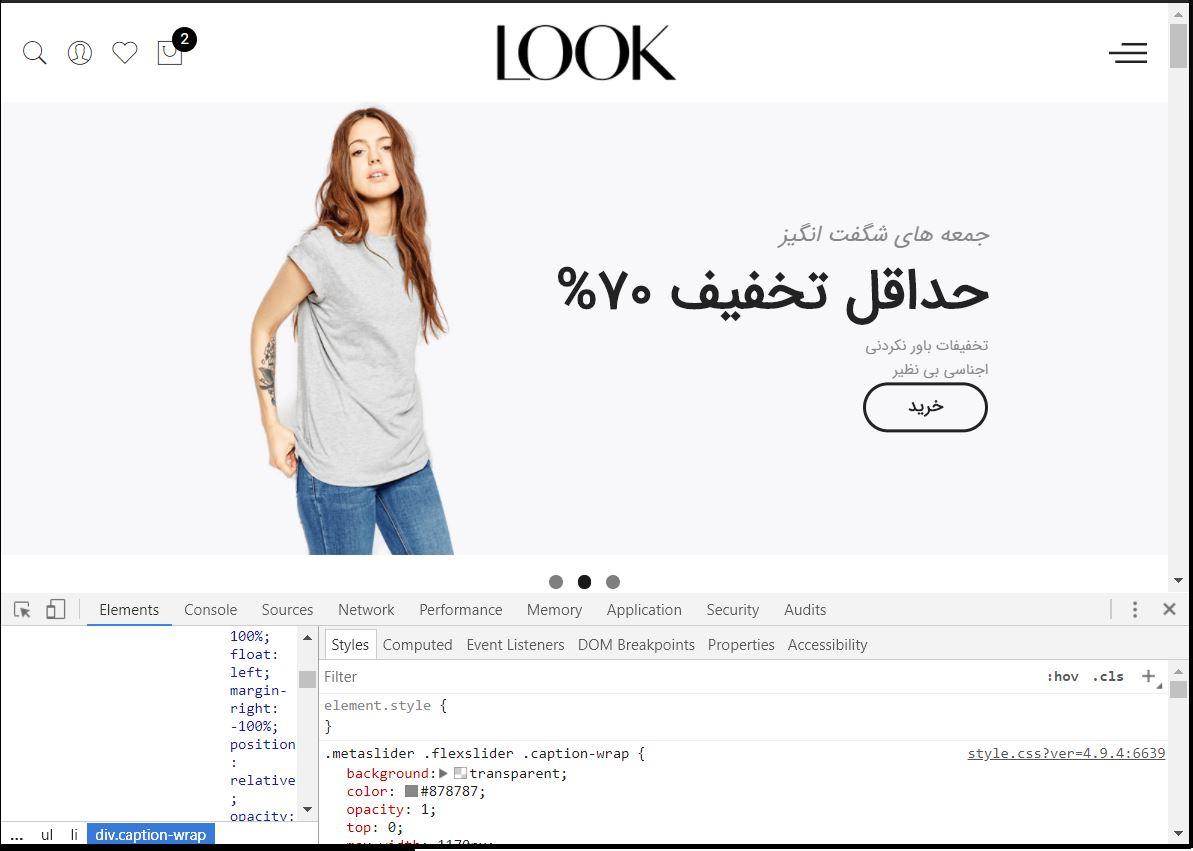
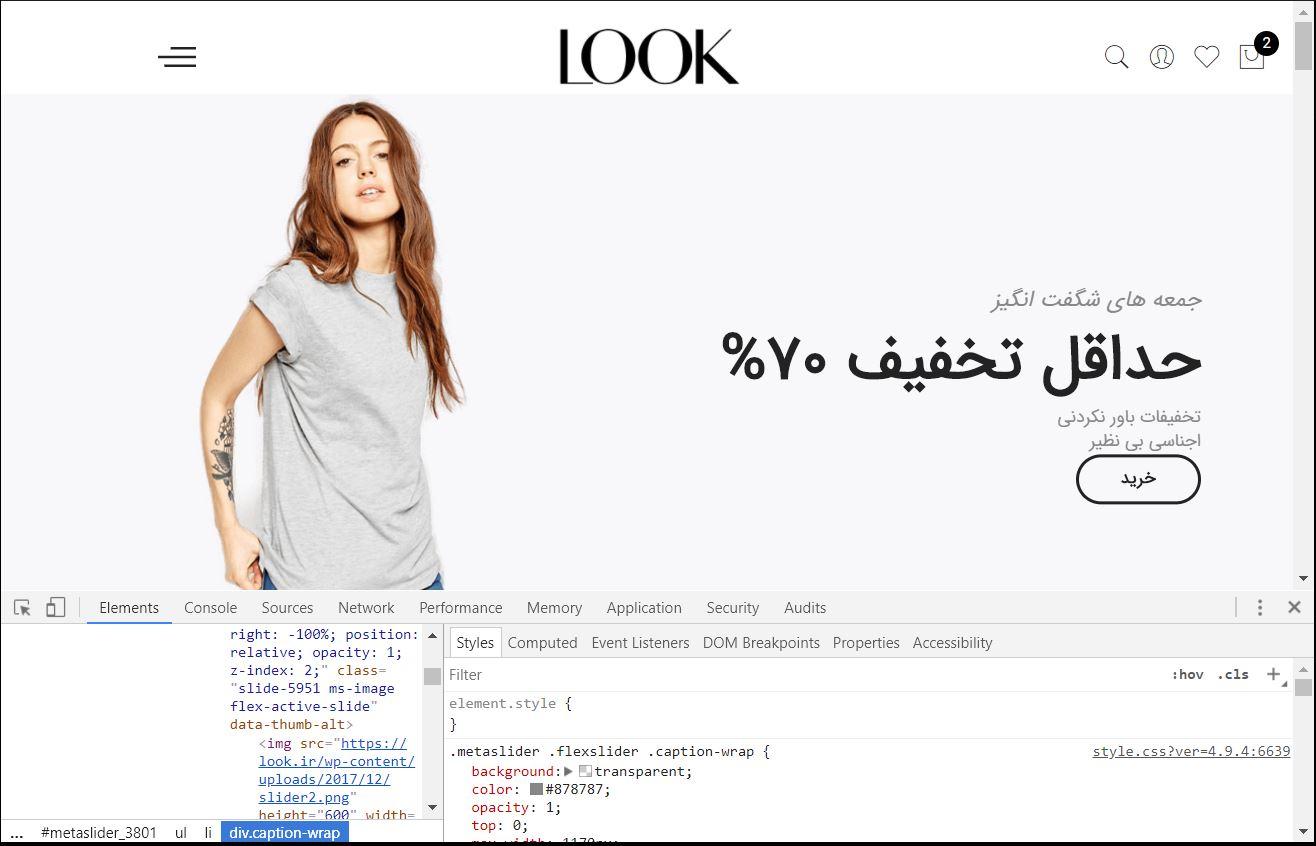
But the below images is taken at the width more than 1024px ( where the css that you gave me starts acting ) and as you see the logo, hamburger menu, mini cart pop up and icons are not like the width less than 1024px.
They should be exactly same as each other but they are not.
Width : 1050px
Rahim Vaziri
CEO & Founder at Look.ir
Hi,
I added this custom CSS but the button still appears…
Hi Ryan,
Please add below code to JanStudio > Theme Option > General Layout > Custom CSS
input[type="submit"], button, a.button { color: #fff !important;}
Best regards
Harry
Premium Wordpress themes and plugins, Best WooCommerce theme https://themeforest.net/user/janstudio/portfolio?ref=janstudio
I was able to figure this out. I added the following to the custom css;
input[type=submit] {color: #FFF;}
Hi,
Can you tell me which CSS element to style if I want to change the text color for the submit buttons for the site? For example, the Search button text.
Note that I have used the customizer to choose the text color for the site and I just want to change the button text colors.
Thanks
I put in the css but its didn´t work 🙁
Yes, you can delete button by add custom code in Claue > Theme Option > General Layout > Custom CSS
#jas-backtop { display: none;}
Best regards
Harry
Premium Wordpress themes and plugins, Best WooCommerce theme https://themeforest.net/user/janstudio/portfolio?ref=janstudio
Hi Orlane,
Please add below code to reduce space in Claue > Theme Option > General Layout > Custom CSS
#jas-footer .footer__top { padding-top: 50px; padding-bottom: 50px;}
and change 50 with your number
Best regards
Harry
Premium Wordpress themes and plugins, Best WooCommerce theme https://themeforest.net/user/janstudio/portfolio?ref=janstudio
Hi,
Please add new code in JanStudio > Theme Option > General Layout > Custom CSS
h1, h2, h3, h4, h5, h6 {font-family: "PF Bague Sans Pro" !important;}
After update please activate child theme to keep the changes.
Best regards
Harry
Premium Wordpress themes and plugins, Best WooCommerce theme https://themeforest.net/user/janstudio/portfolio?ref=janstudio









