
-
AuthorSearch Results
-
January 16, 2020 at 2:01 am #34987
In reply to: Change checkout Order layout
Hi,
It works but there are few things that i have to edit. The file review-order.php that i used as template, i got it from woocommerce plugin template. But it doesnt have the customized claue css classes and to takes to much time to edit. I need the review-order.php template from claue theme but i dont know were to find it.
Hi,
please add below code to claue > theme option > general layout > custom CSS
.products .product-btn .lumise-button {display: none;}Kind regards
Harry
Premium Wordpress themes and plugins, Best WooCommerce theme https://themeforest.net/user/janstudio/portfolio?ref=janstudio gunash nagappan natarajanParticipant
hello sir,
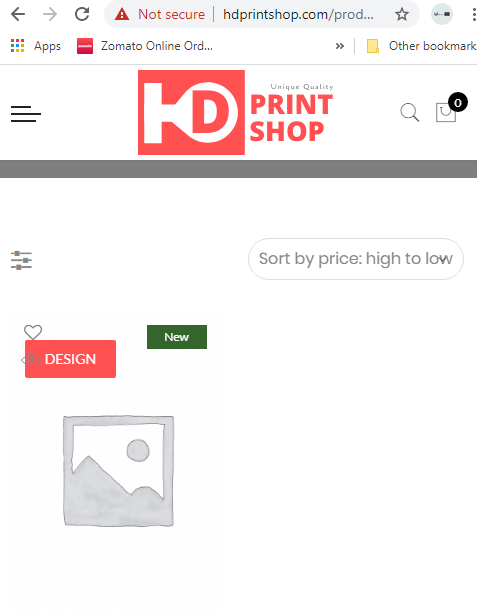
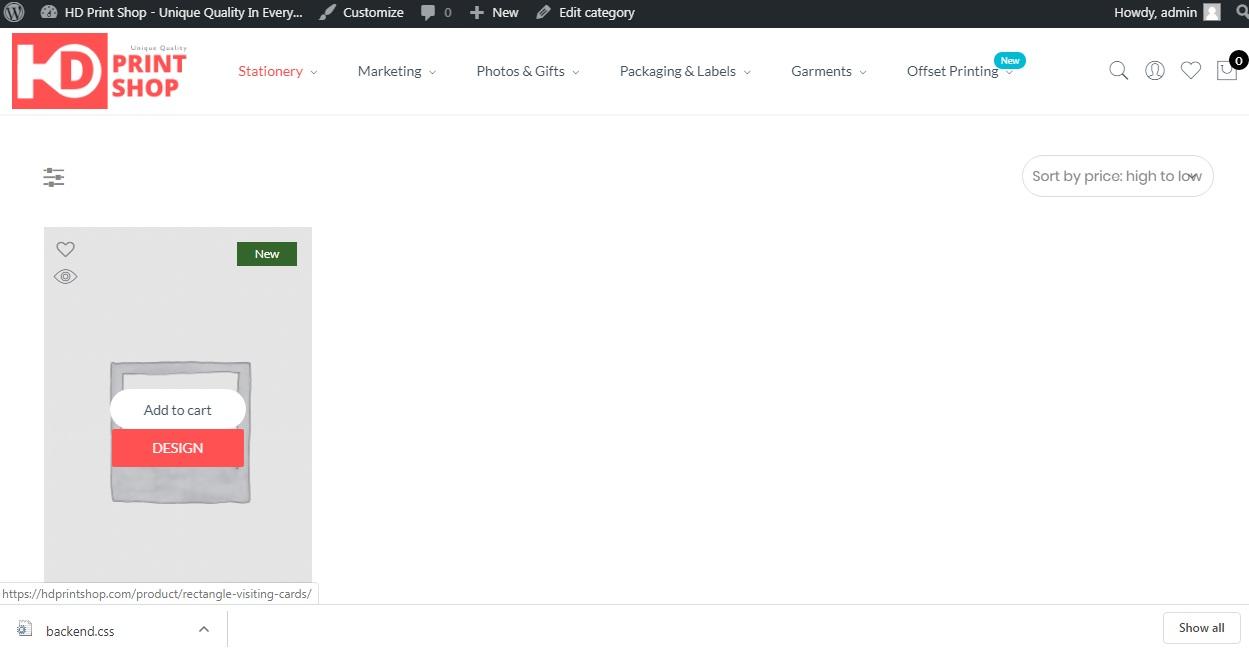
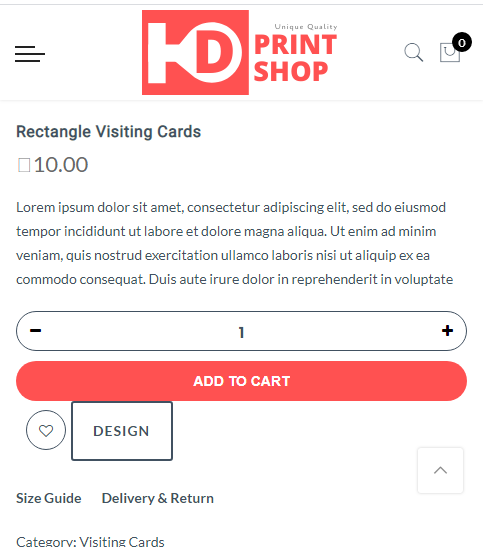
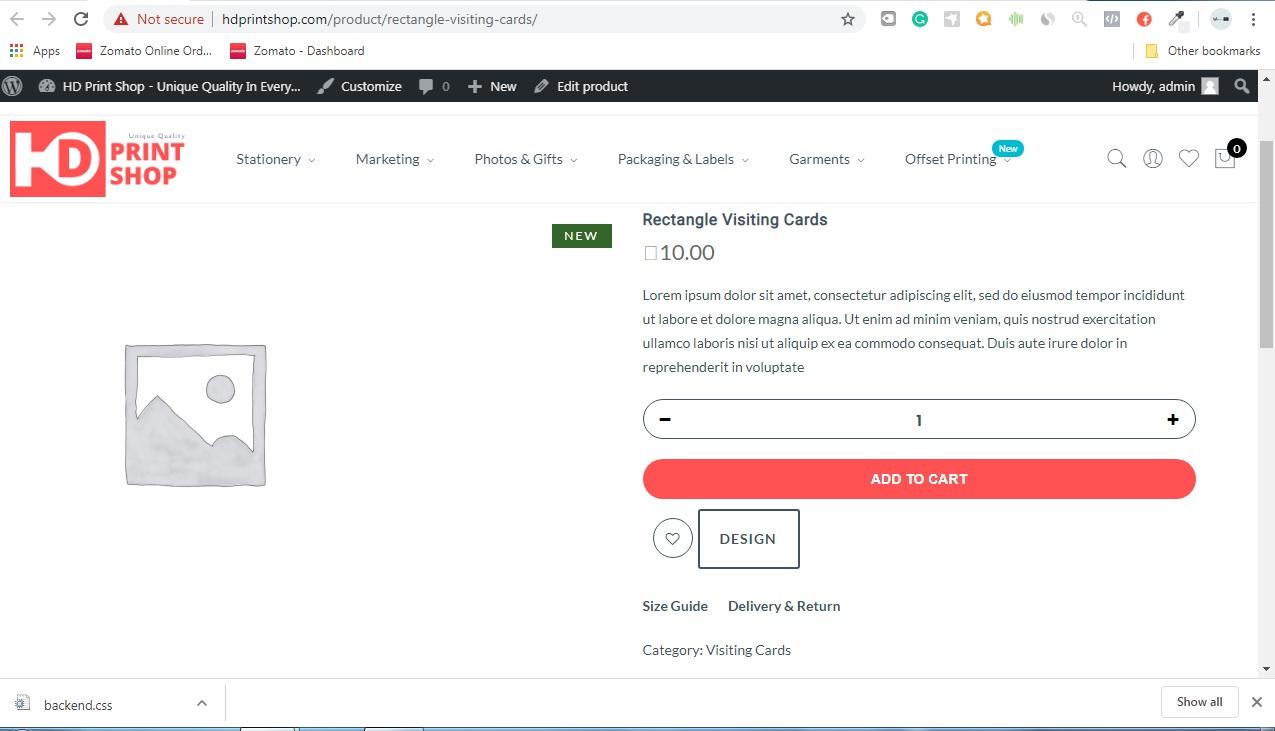
Trying to hide the button in css but it creates a lot of trouble in doing so please help us in removing the design button in all other pages except the product-detail-page
 January 14, 2020 at 12:31 pm #34971
Hi Sgmonter,
2. Please add below code to Claue > Theme Option > General Layout > Custom CSS to change quick shop button to eye icon
.quickview-button {top: 30px; left: 10px;}
.quickview-button a i {font-size: 24px; color: #878787;}
.quickview-button a:hover {background: none;}
.product-image .yith-wcwl-add-button a {
	opacity: 1;
	visibility: visible;
	color: #878787;
}
.product-btn .btn-quickview {
	display: none;
}
.btn-quickview  {
	background: none;
	margin: 0;
	padding: 0;
}
and download attach file, extract and put in claue-child > woocommerce
3. Please go to Claue > Theme Option > WooCommerce > Product Listing Settings > Enable Products Attribute On Product List and uncheck all variations.
Kind regards
Attachments:
You must be logged in to view attached files.Harry
Premium Wordpress themes and plugins, Best WooCommerce theme https://themeforest.net/user/janstudio/portfolio?ref=janstudioJanuary 12, 2020 at 9:24 pm #34959In reply to: payment method selection
Hi,
The issue cause by CSS of plugin https://prnt.sc/qmm3k9 Please deactivate plugin and contact to plugin author to fix.
Kind regards
Harry
Premium Wordpress themes and plugins, Best WooCommerce theme https://themeforest.net/user/janstudio/portfolio?ref=janstudioJanuary 12, 2020 at 7:02 pm #34953I solved the issue. It cause by “Optimize CSS delivery” option of WP Rocket. it use old css and i click on “Generated critical path CSS” and clear cache https://prnt.sc/qmkqbw it now ok.
Kind regards
Harry
Premium Wordpress themes and plugins, Best WooCommerce theme https://themeforest.net/user/janstudio/portfolio?ref=janstudioJanuary 10, 2020 at 8:55 am #34931In reply to: Shorten Blog Post Gap
Hi Della,
Please add below code to Claue > Theme Option > General Layout > Custom CSS
.jas-blog .posts,
.jas-blog .sidebar,
.jas-single-blog > div {margin-top: 30px;}
and change 30 to number you want.
Kind regards
Harry
Premium Wordpress themes and plugins, Best WooCommerce theme https://themeforest.net/user/janstudio/portfolio?ref=janstudioJanuary 6, 2020 at 4:59 pm #34887In reply to: Problems to fix on product (category) pages
Hi,
Please add below code to Claue > Theme Option > General Layout > Custom CSS
.swatch__list .swatch__list--item:nth-child(n+5) {display: none;}Kind regards
Harry
Premium Wordpress themes and plugins, Best WooCommerce theme https://themeforest.net/user/janstudio/portfolio?ref=janstudioJanuary 4, 2020 at 8:33 pm #34867In reply to: Dropdown menu and 2 or 3 level
Hi Abeer,
Thank you for choose our theme and your kind words.
Please add below code to claue > theme option > general layout > custom CSS
.jas-menu li ul.sub-menu .sub-column .sub-column {
	position: absolute;
	min-width: 250px;
	display: table;
	background: #fff;
	top: 120%;
	opacity: 0;
	visibility: hidden;
	left: -17.5px;
	transition: all .3s;
	text-align: left;
	z-index: 10;
	padding: 0;
	box-shadow: 0 0 3px 0 rgba(0,0,0,.1);
}

.jas-menu li ul.sub-menu .sub-column > li:hover > .sub-column {
	top: 100%;
	opacity: 1;
	visibility: visible;
}
.jas-menu li ul.sub-menu .sub-column > li:hover > .sub-column {
	top: 0;
}
.jas-menu > li.menu-item-has-children > ul.sub-menu > .sub-column-item > a {
	color: #222;
	text-transform: uppercase;
	font-weight: 500;
	font-size: 12px;
	padding: 6px 0;
	border-bottom: 1px solid #eee;
}
.jas-menu > li.menu-item-has-children > ul.sub-menu > .sub-column-item > .sub-column > li {
	position: relative;
}
.jas-menu li ul.sub-menu .sub-column .sub-column {
	top: 20%;
	left: 100%;
	padding: 10px 15px;
}
Kind regards
Harry
Premium Wordpress themes and plugins, Best WooCommerce theme https://themeforest.net/user/janstudio/portfolio?ref=janstudioJanuary 4, 2020 at 8:02 pm #34866In reply to: Problems to fix on product (category) pages
Hi,
1. Please add below code to claue-child > functions.php
add_action( 'woocommerce_product_thumbnails', 'enable_gallery_for_multiple_thumbnails_only', 5 );
function enable_gallery_for_multiple_thumbnails_only() {
    global $product;

    if( ! is_a($product, 'WC_Product') ) {
        $product = wc_get_product( get_the_id() );
    }

    if( sizeof( $product->get_gallery_image_ids() ) == 1 ) {
        remove_action( 'woocommerce_product_thumbnails', 'woocommerce_show_product_thumbnails', 20 );
    }
}
2. Please add more code to claue-child > functions.php
function jas_claue_child_wc_page_head() {
	if ( ! cs_get_option( 'wc-enable-page-title' ) || ( class_exists( 'WCV_Vendors' ) && WCV_Vendors::is_vendor_page() ) ) return;

	$title = cs_get_option( 'wc-page-title' );

	$output = '<div class="page-head pr tc"><div class="jas-container pr">';
		if ( is_search() ) {
			$output .= '<h1 class="mb__5 cw">' . sprintf(__( 'Search Results for: %s', 'claue' ), '<span>' . get_search_query() . '</span>' ) . '</h1>';
		} elseif ( is_shop() ) {
			$output .= '<h1 class="mb__5 cw">' . esc_html( cs_get_option( 'wc-page-title' ) ) . '</h1>';
			$output .= '<p class="mg__0">' . do_shortcode( cs_get_option( 'wc-page-desc' ) ) . '</p>';
		} else {
			// Remove old position of category description
			remove_action( 'woocommerce_archive_description', 'woocommerce_taxonomy_archive_description', 10 );
			$output .= '<h1 class="cw">' . single_cat_title( '', false ) . '</h1>';
			//$output .= do_shortcode( category_description() );
			add_action( 'woocommerce_after_shop_loop', 'woocommerce_taxonomy_archive_description', 40 );
			add_action( 'woocommerce_after_shop_loop', 'woocommerce_product_archive_description', 40 );

		}
		ob_start();
		$output .= ob_get_clean();
	$output .= '</div></div>';

	echo wp_kses_post( $output );
}
add_action( 'woocommerce_before_main_content', 'jas_claue_child_wc_page_head', 15 );
and add below code to claue-child > style.css
.term-description {
	display: block;
	width: 100%;
	max-width: 1170px;
	margin: 30px auto;
}
It only support you show description to below product and can’t control description with page builder.
Kind regards
Harry
Premium Wordpress themes and plugins, Best WooCommerce theme https://themeforest.net/user/janstudio/portfolio?ref=janstudio -
AuthorSearch Results


Support Forum
We will do our best to assist you with any issues related to our themes and plugins.
Response time up to 1-2 business days.
Our timezone:9:04 AM
Your timezone:
-
Search Results
-
Topic: Hello Sir



